

World // Zero free REWARDS
Get exclusive in-game accessories for free with GX Rewards!
Get exclusive in-game accessories for free with GX Rewards!

What you'll get

“Red TV Head” accessory
An item for the hat accessory slot
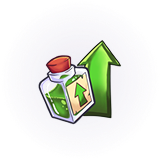
XP booster (30 minutes)
Provides 30 minutes of double XP

“Total Gamer” title
A title for the title slot

10,000 gold
Free in-game currency
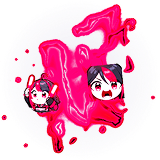
“GX Weapon Aura” gear effect
An effect for the weapon aura slot
How to participate
-
Click the button below and open the GX Rewards Menu
Download Opera GX and open the GX Rewards menu in the sidebar
-
Login with your Roblox account to the Twin Atlas partner program.
-
Claim rewards! One game every 30 days. Max 3 games.
World // Zero MOD
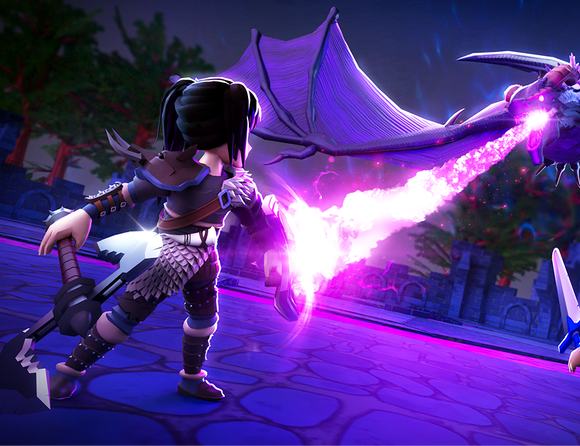
Check out this custom World // Zero mod to theme your browser even more
FAQ
How can I access the Roblox Rewards menu?
If you’ve downloaded Opera GX on your computer from this landing page the GX Rewards menu is located in the middle of the sidebar. If you already have GX you can hit the button above to access it. The icon looks like a gift box.
Are all of the rewards free to claim?
Yes, all of the rewards are completely free to claim.
Can I claim the rewards on mobile?
You can claim rewards on mobile, but you’ll first need to install Opera GX on a computer using the link provided during the GX Rewards claim process on your mobile. Don’t have a computer? Ask a friend to install it on theirs using that same link.
Do I need to log in or connect my Roblox account?
Yes, you’ll be redirected to the Twin Atlas partner program to log in with your Roblox account. Twin Atlas is an official Roblox program partner and the studio behind games such as Creatures of Sonaria and Dragon Adventures.
How often can I claim GX Rewards?
You can claim each pass in GX Rewards once.
Will there be more GX Rewards?
Choose a game and claim all its available rewards. After 30 days, you can choose your next game. You can select up to three games in total, with a 30-day wait between each selection.
I have a problem claiming my rewards, what should I do?
Click the question mark icon in the GX Rewards menu for a detailed how-to guide. If you are still facing problems, try reaching out via our official Discord server.
Oops, looks like your GX is outdated!
Paste this into your Opera GX address bar to unlock rewards, skins, and boosters:
Copied!
opera:update