Aesthetics
Your Build. Your Style.
Browsers and setups belong in sync. Custom build GX to match your rig's vibe.
Pick your playstyles and get the perfect Opera GX build
Aesthetics
Browsers and setups belong in sync. Custom build GX to match your rig's vibe.
Potato PC
Cap resources, stay light and cut the lag. You call the shots. Prioritize what matters to your build.
Lock In
Group tasks, cut clutter, and kill context switching. Finals, work, or rabbit holes—lose the noise and dive deep.
Binge engine
Watch, chat, and browse simultaneously. Turn your screen into a command center.
Aesthetics
If you want your setup to reflect who you are.
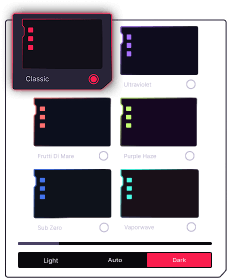
Pick a look and watch your browser change colors, UI and wallpaper.
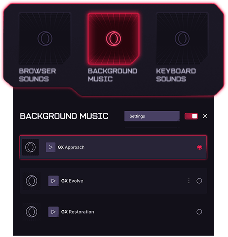
In the mood for music? Add background sounds and vibe to your browsing.
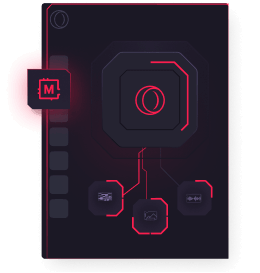
Completely reshape Opera GX to your liking. Your setup will never look default again.
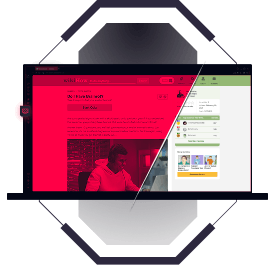
Make websites look the way you need. Boost contrast, reduce eye strain or just make them look cooler.
Keep the sidebar, icons and tabs in check. Nothing can break the look.
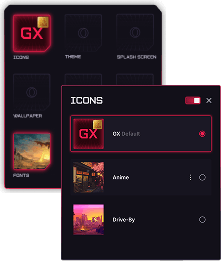
Don’t get flashbanged each time you open a webpage. Force Dark Pages to see everything in dark mode.
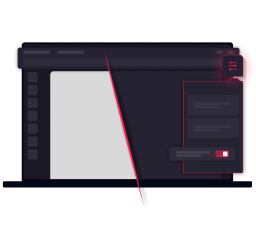
Tie Opera GX to your lighting setup using GX Lights, so your gaming rig feels like one system.
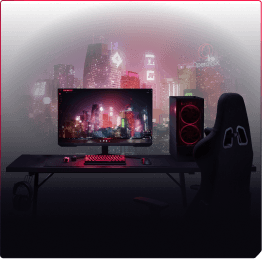
Pick a custom splash animation, so every browsing session begins with style.
Potato PC
Prioritize performance and put clear limits on CPU, RAM, and network usage. Be gentle with your rig.
Have direct control over resource usage. Keeping your browser light is easy.
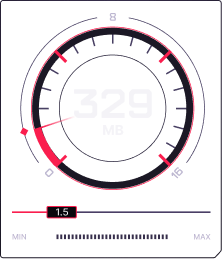
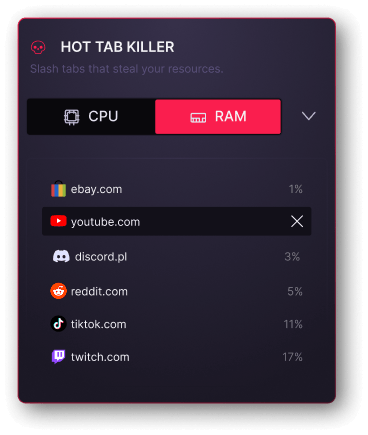
See what uses too much CPU & RAM and shut it down while keeping your session intact.
Cut down performance-heavy ads and scripts, so your PC focuses on what’s important.
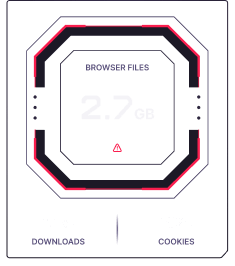
Clear your cache, cookies and more with GX Cleaner.
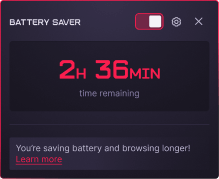
Browse up to 50% longer with a built-in battery saver.
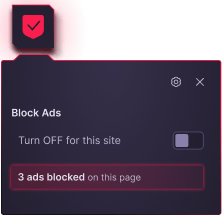
Block annoying ads and get straight to the point faster.
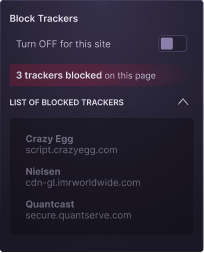
Lock hidden trackers from hogging resources in the background.
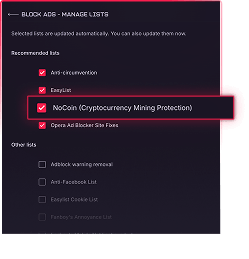
Don’t let crypto miners use your CPU to make money.
Lock In
Separate contexts, group tabs automatically, and cut distractions, so you stop wasting time managing chaos and start finishing what you opened.
Control the chaos. Quickly swap between active workspaces to stay in the zone.
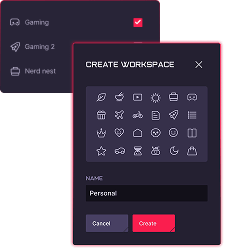
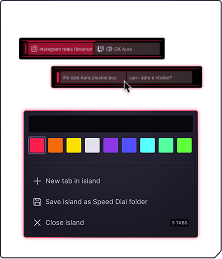
Be it gaming, work or mischief - use labels to avoid tab shuffling.
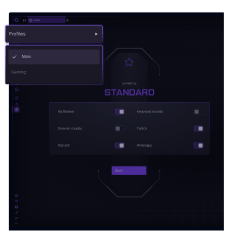
Create browser profiles for school, work, streaming or just messing around. Don’t let stuff blend together.
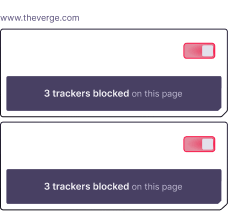
Get rid of intrusive popups and nosy trackers. No need for third-party extensions to keep your sanity.
Important stuff stays in the front. Pin the tabs you don’t want to lose.
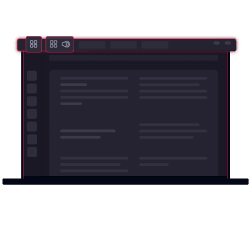
If you really need 100 tabs open, suit yourself. Find your way around them with Tab Search.
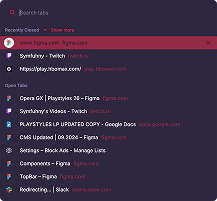
Stay in touch while not losing focus with sidebar messengers.
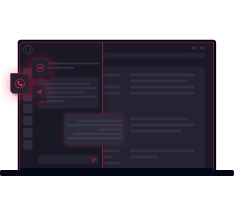
Use the clipboard to quickly share files across browsing sessions.
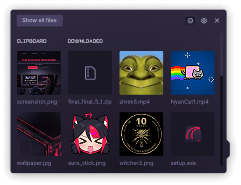
Binge Engine
Think your brain can handle all that? Your browser definitely will'
Use the video pop-out to follow along without pausing your work.

Chat with your team on Discord without separate tabs needed.
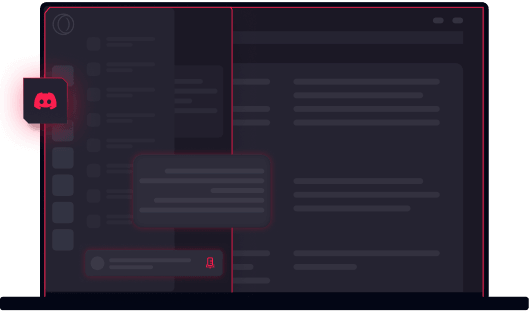
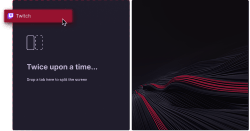
Why bounce between tabs when you can use them side-by-side? Split Screen in your GX browser.
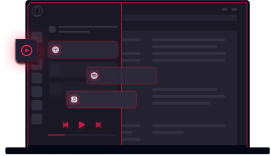
Opera GX has your soundtrack sorted, whatever the platform. All available right in GX’s sidebar.
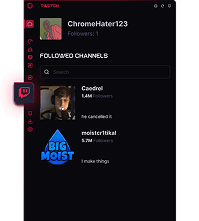
Never miss out on a stream again with sidebar Twitch integration.
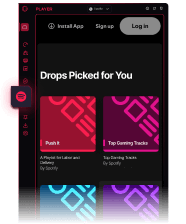
Enjoy your weird Spotify playlists right from your browser sidebar.
Stay in touch while not losing focus with sidebar messengers.
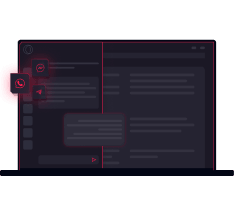
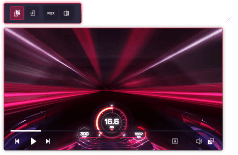
Got distracted or missed a line? The picture-in-picture controls for the video pop-out will come in handy.
Make it match your setup, keep it light on low spec hardware, clear the clutter, or watch and multitask, pick what you need today, it is still Opera GX.
Aesthetics
Browsers and setups belong in sync. Custom build GX to match your rig's vibe.
I want to show off my style
Potato PC
Cap resources, stay light and cut the lag. You call the shots. Prioritize what matters to your build.
I need a light browser
Lock In
Group tasks, cut clutter, and kill context switching. Finals, work, or rabbit holes—lose the noise and dive deep.
I want to immerse in web
Binge engine
Watch, chat, and browse simultaneously. Turn your screen into a command center. Your web, in sync.
I want to do all at once
