Watch, Chat,
Browse - All at once
Turn your browser into a command center for multitasking, streaming and chats.
Do more on one screen
Whether it’s sidebar tools or a split screen, use a browser that makes the most of your workspace.
Watch videos
While busy.
Use the video pop-out to follow along without pausing your work.

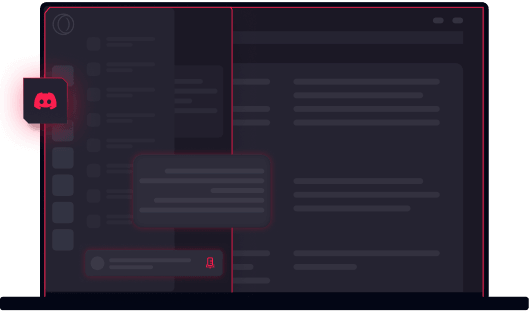
Use the integrated discord.
Chat with your team on Discord without separate tabs needed.
Split the screen.
Why bounce between tabs when you can use them side-by-side? Split Screen in your GX browser.
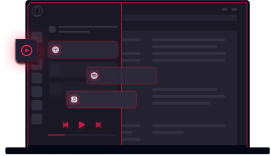
Be the DJ.
Opera GX has your soundtrack sorted, whatever the platform. All available right in GX’s sidebar.
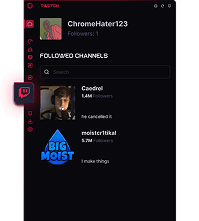
Follow the stream.
Never miss out on a stream again with sidebar Twitch integration.
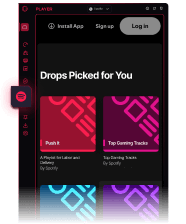
Tune in with spotify.
Enjoy your weird Spotify playlists right from your browser sidebar.
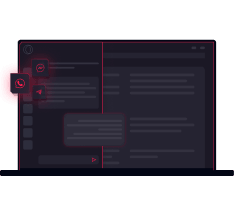
Check in on
your friends.
Stay in touch while not losing focus with sidebar messengers.
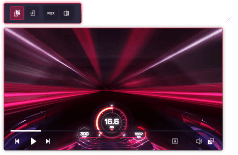
Be the one in control.
Got distracted or missed a line? The picture-in-picture controls for the video pop-out will come in handy.
What other creators are saying

moistcr1tikal

"I'm just saying if you improve your KD and become a world champion while using Opera GX, it's probably not a coincidence"
Watch on Youtube
Tech radar

“If you're a gamer who's found that keeping Google Chrome open in the background is cutting into your frame rates, Opera GX might be the solution you never knew you needed.”
Read more herePCMag

“These features work as advertised, and individually are very straightforward. But it’s the sheer number of them that really impresses.”
Read more herePCGamer

“Opera GX has more gaming-related features so your gaming PC can focus on gaming performance instead of drowning due to your greedy browser's RAM demands.”
Read more here










Keep your data when
you switch to Opera gx
Import settings and switch in 30 seconds. Import all of your bookmarks, passwords and autofill in just a couple of clicks.