
Opera posts 63% growth in new monthly users on iOS in Europe a month after DMA came into force

Opera reports 63% growth in monthly new users for Opera for iOS across Europe from February to March 2024.
Opera reports 63% growth in monthly new users for Opera for iOS across Europe from February to March 2024.

Netrunners welcome to experience a fully customized digital landscape OSLO, Norway – April 10, 2024 – Opera GX, the browser for gamers, makes a name for itself in Night City with today’s debut of the official Cyberpunk 2077 browser mod, created in collaboration with CD PROJEKT RED. This mod is the first official gaming partnership […]

Opera announces that in 2023, Opera Mini users in Nigeria have benefited from over 3,760 TB of free data – or nearly 5 billion Naira’s worth of savings.

Opera announces that it’s adding experimental support for 150 local LLM (Large Language Model) variants to its Opera One browser in developer stream.

Use Opera GX browser and turn any YouTube content into a “reaction” show starring your favorite content creators or yourself.

Opera announces a jump in daily active users for Opera for Android and Opera for iOS after the appearance of a ballot screen asking users to select their own default browser.

Opera One’s developer version will allow users to test new AI features on a bi-weekly basis through it’s AI Feature Drops initiative

Opera looks forward to March 6th, when over 400 million Android and iOS users across the European Union will be asked to select their default mobile browser.

Opera announces the launch of a wallpaper contest in which participants will submit artistic creations that showcase what it means to be Brazilian.

Opera celebrates a hugely successful 2023 in Brazil, capping a year of tremendous growth across the board.

Enjoy peaceful browsing free from love propaganda this 14th February – with different modes depending on your level of heartbreak 13 February 2024 – Oslo, Norway: Think Valentine’s Day is just an over commercialized vomit-fest? Has your heart been crushed once again? Just want a browsing experience free from cringy love propaganda? As always, Opera […]

Opera GX announces GX Mods Mobile, which lets users customize their smartphones and tablets like never before.

Opera announces plans to deploy a new AI cluster in Keflavik, Iceland, featuring an NVIDIA DGX SuperPOD and powered entirely by green energy.

Opera to ship Opera One, a new AI-centric browser with its own engine, following Apple’s DMA announcement

Opera is ready to follow the Africa Cup of Nations (AFCON) with a new edition of its popular “Shake and Win,” which will feature over 180,000 prizes for users in Kenya, Nigeria, and South Africa.

Opera is on the hunt for their new Tabfulness Guru, who will browse the web from a remote island off the coast of Iceland, reach a state of “Tabfulness,” and get paid $10,000.

Opera GX has partnered with the world’s leading gaming hardware company MSI, to create the Opera GX MSI Edition browser.

Opera GX, the browser for gamers, releases the Panic Button, so your days of getting caught looking at dubious content are over.
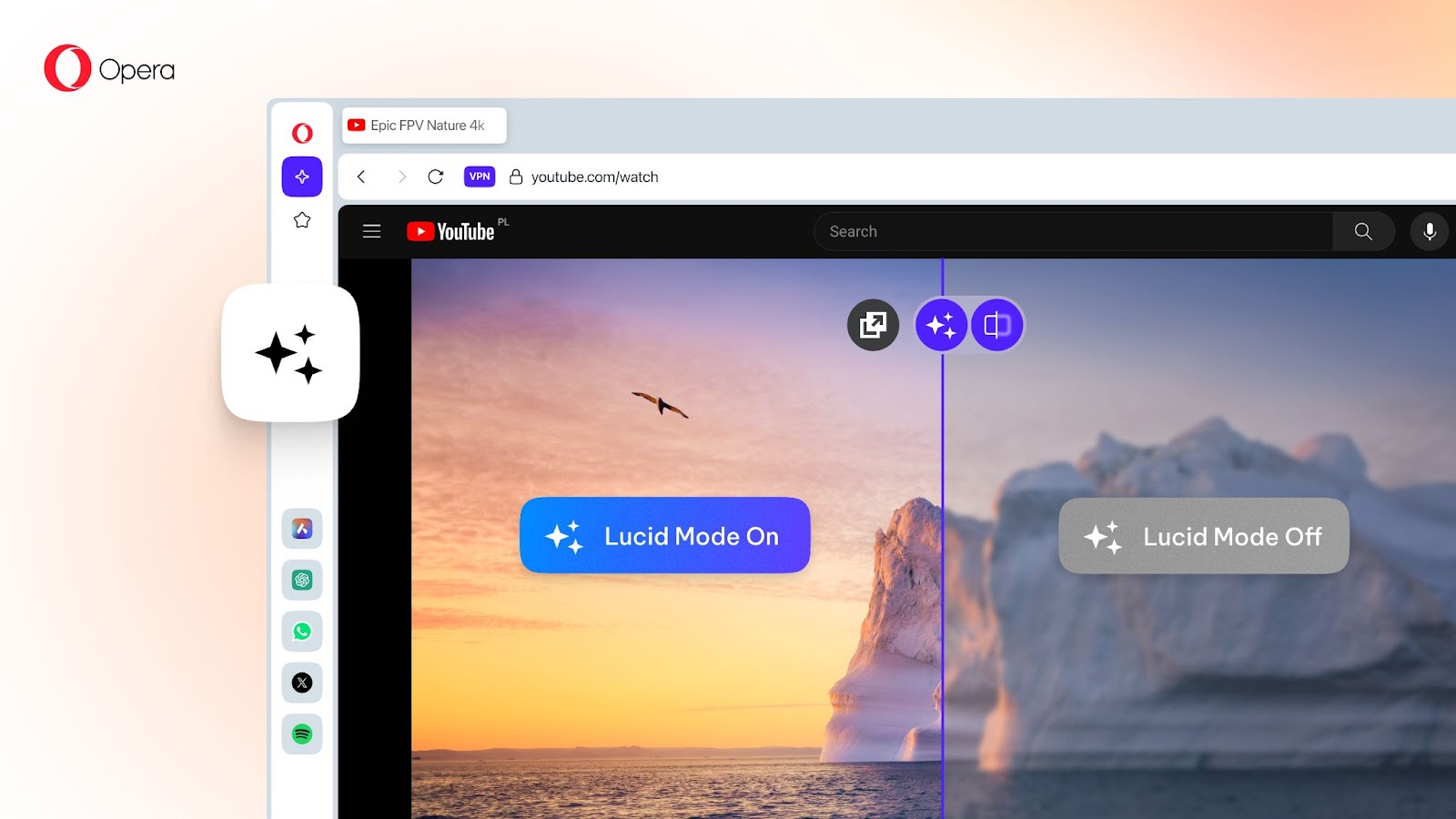
Opera has improved its Lucid Mode, a feature that provides videos with enhanced sharpness and clarity, to help users ward off the seasonal blues.

Opera announces that Opera for Android has solidified its status as the most downloaded browser in the Google Play Store in Poland.

Opera GX – the browser for gamers – and Eric André, comedian, actor and host of The Eric Andre Show, are on a rampage to bury boring browsers once and for all.

Opera is back in Brazil this holiday season with a new edition of “Shake and Win,” featuring over 23,000 prizes.

Starting today, Qwant users in France can benefit from a custom build of Opera’s desktop browser, with Qwant pre-set as the default search engine.

Opera is back again with “Shake and Win” this month in Kenya, Nigeria, and South Africa, with over 100,000 prizes up for grabs.

Opera GX today announced a major update to its RGX Mode, which enhances videos and images during your web-surfing adventures.

Aria – Opera One’s native browser AI – gets a new set of upgrades so that you can do much more with AI with less time and effort, and fewer technical skills.
In collaboration with Amazon Prime’s series Gen V, Opera GX announces “V”, a unique in-world social network.
Opera announces that its advertising platform, Opera Ads, has been awarded the TAG Brand Safety Certified and Certified Against Fraud Seals by TAG (The Trustworthy Accountability Group).
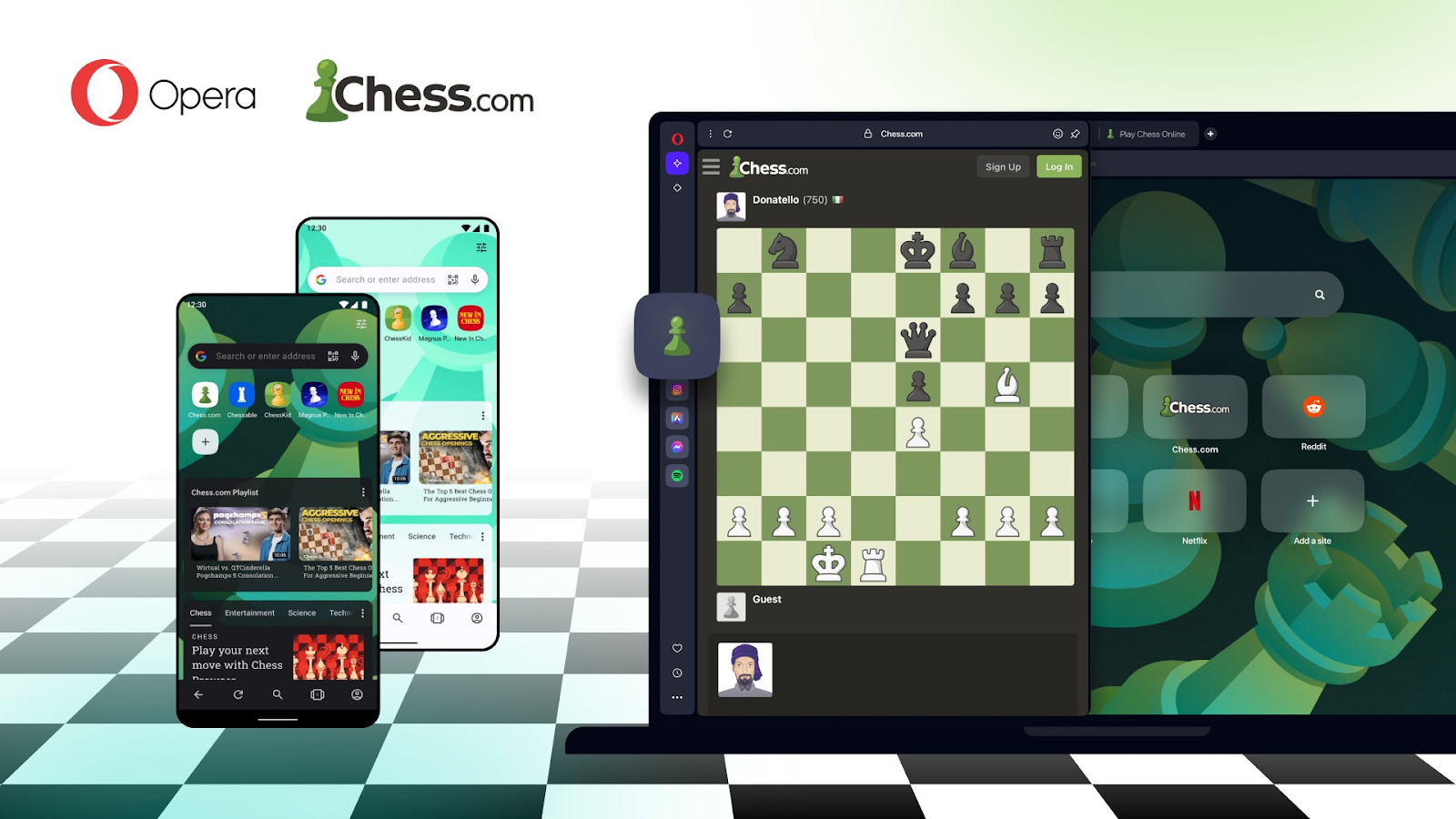
Opera is partnering with Chess.com, with custom builds for both desktop and mobile products ensuring that chess fans can stay engaged with their community wherever they happen to be.

Opera launches MiniPay, a blockchain-based wallet built on the Celo blockchain.
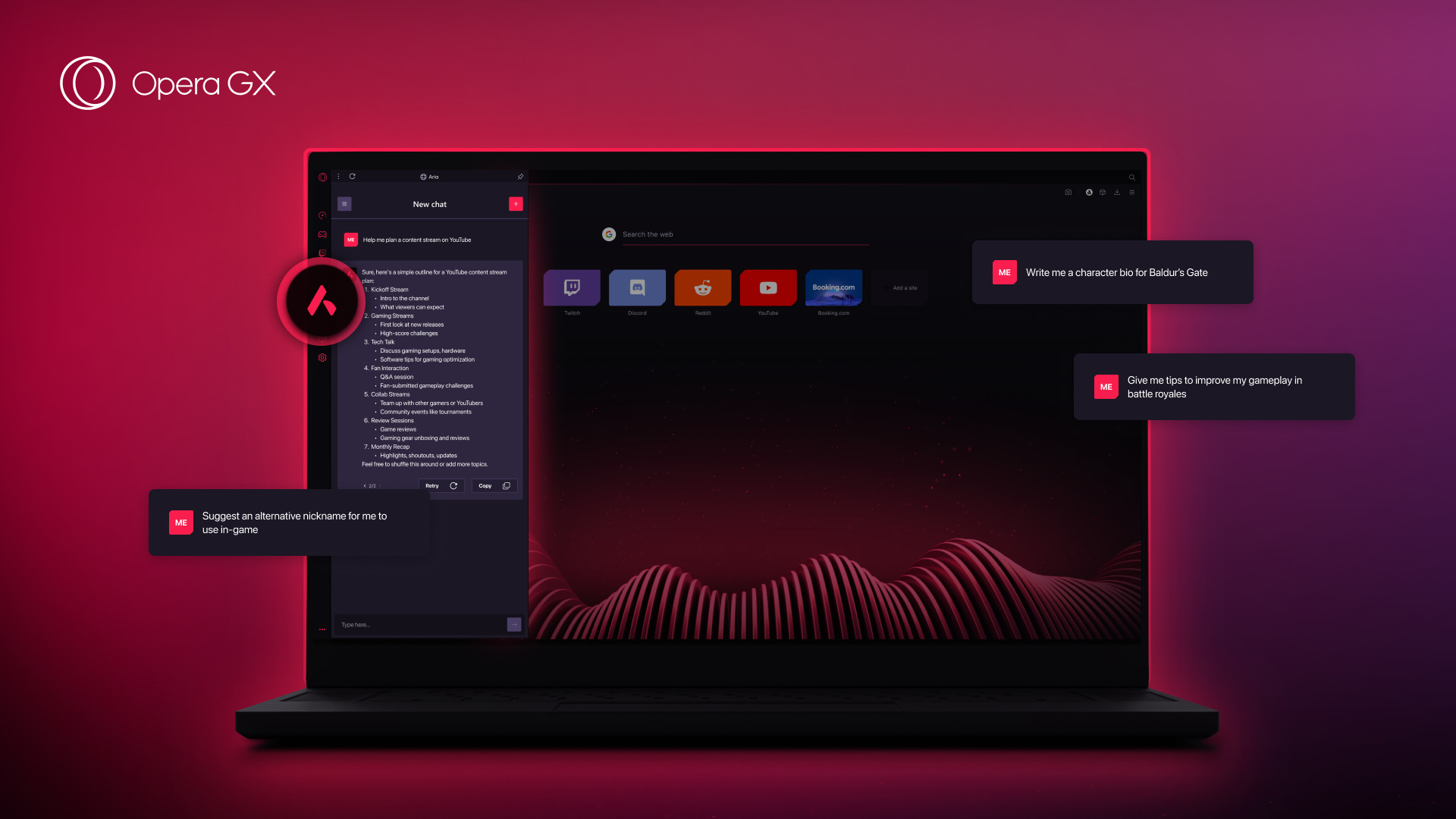
Opera GX, the browser for gamers, is about to level up with Opera’s own browser AI, Aria.

Opera announces its first-ever free data campaign in Ethiopia, offering up to 3GB of data for free per month.

Opera announced a new partnership with ASUS to develop a special edition of its gaming browser, Opera GX, tailored and optimized for ROG products and users.

Oslo, Norway – August 16, 2023 – Aria, Opera’s [NASDAQ: OPRA] new browser AI, is now available for all users of the Opera browser for iOS, making it accessible across all major platforms. A product of Opera’s collaboration with OpenAI, Aria offers users a cutting-edge generative AI service for free. This service is enhanced by […]

Opera is kicking off the 23/24 football season in style with new features and chances to win through the company’s data-saving mobile browser, Opera Mini.

Opera is back in Brazil for more “Shake and Win,” which runs from August 9th until September 6th and feature R$ 70,000.00 in prizes.
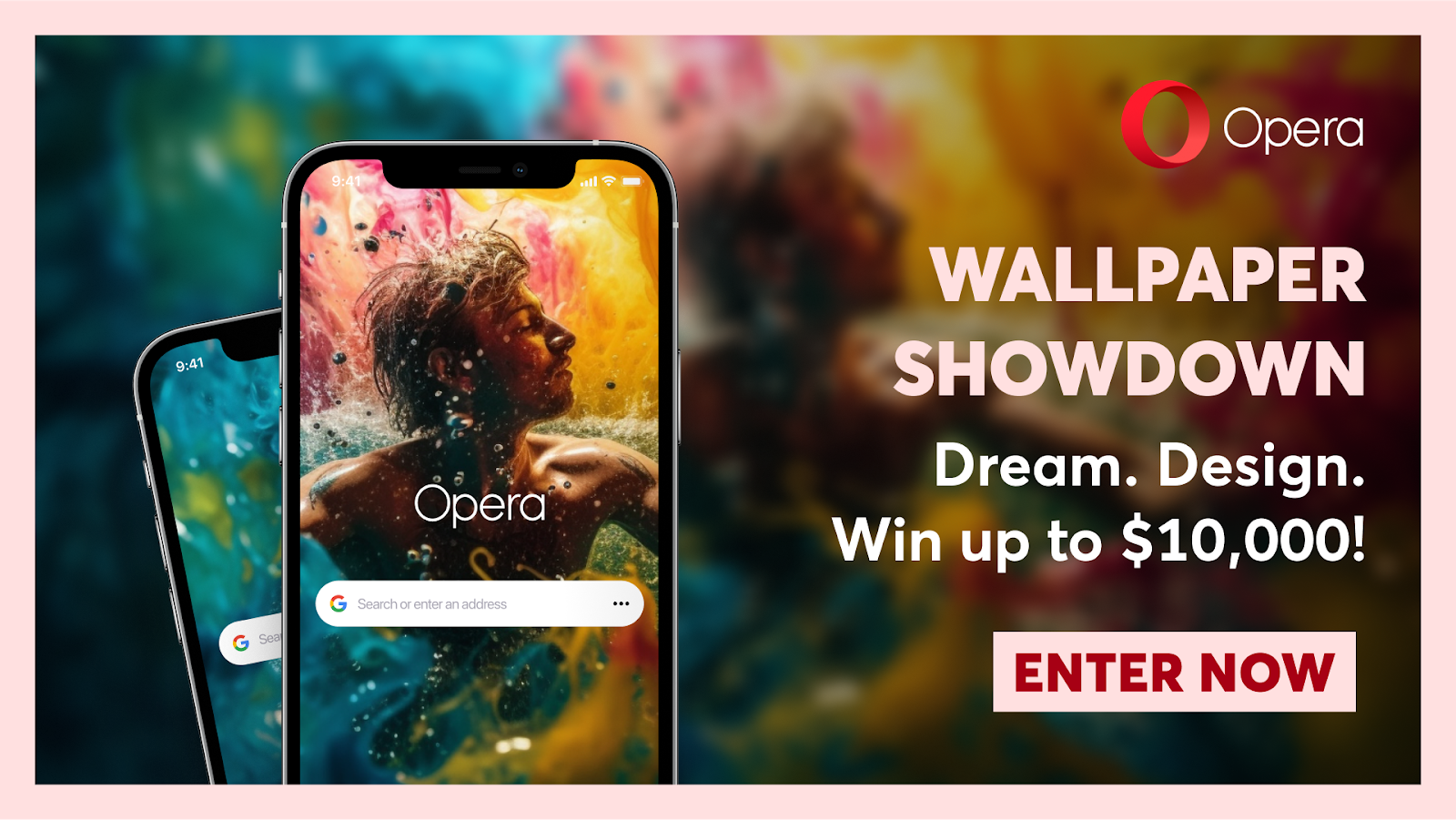
Opera is announcing the Wallpaper Showdown, a competition that invites users to submit custom wallpapers for a chance to win cash prizes of up to $10,000.

Opera Limited today announced that Opera’s native browser AI, Aria, has reached over 1,000,000 users since recently becoming available.

Opera GX announces “Fake My History,” a new feature that, upon a users’ untimely demise, will replace their questionable history with wholesome queries and exploits.

Opera GX announces Live Wallpapers: mini games made with the GameMaker engine that allow for a new level of modding and customization within the browser for gamers.

Aria, Opera’s new browser AI, is now available for all users of the Opera browser for Android.

Opera has released its newly redesigned flagship browser, Opera One, which is set to usher in a usher in a new era of AI-based browsing.

Opera is back with a new edition of its renowned “Shake and Win” campaign for users in Kenya, Nigeria, and South Africa.

Opera today unveils Aria, its new browser AI, which gives users access to a leading generative AI service for free, natively built into the browser.

Opera is announcing the launch of its second edition of “Shake and Win” in Brazil, featuring over 60,000 Brazilian Reais in prizes.

Opera one announces the early access developer version of Opera One, a complete redesign of the company’s flagship desktop browser for Windows, MacOS, and Linux.

Opera announces that Live Scores – a football scoreboard embedded within Opera Mini – has reached 50 million users worldwide.

Opera announces the extension of its free VPN to Opera for iOS, becoming the first web browser to offer a free, built-in VPN across all major platforms.

Opera Mini launches Live Scores 2.0, with a suite of new features that offer users the world of football, right at their fingertips.
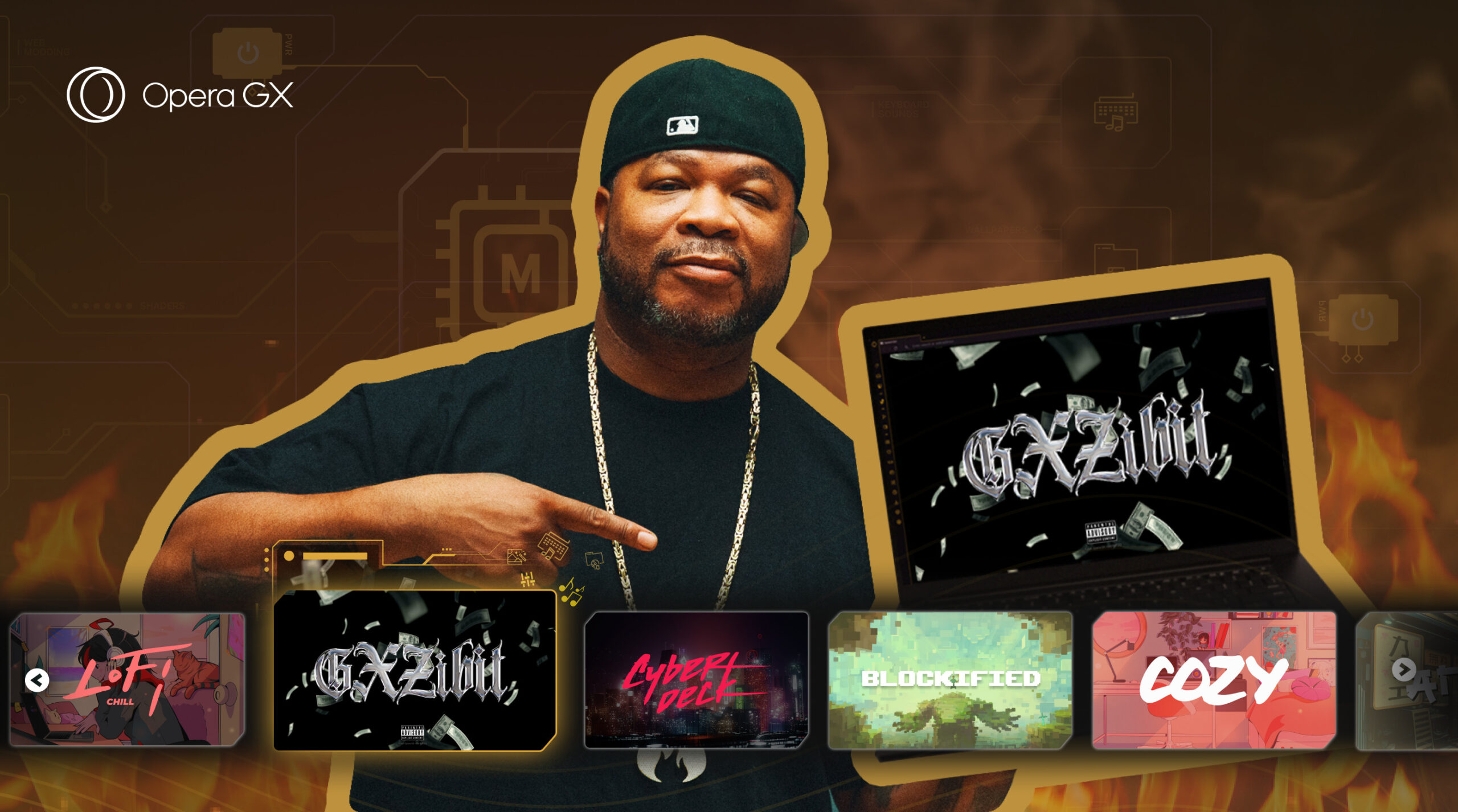
Opera GX announces GX Mods, ushering in the new era of deep browser customization.

Opera is integrating AI capabilities into its desktop browsers. Shipping today in Opera and Opera GX are AI Prompts and sidebar integration of the popular GPT-based services ChatGPT and ChatSonic. Users can explore AIGC (AI-generated content) tools within Opera and Opera GX.
Opera [NASDAQ: OPRA], one of the world’s leading browser developers, announced today a collaboration with the leading artificial intelligence research laboratory OpenAI. This news comes two weeks after Opera announced its plans to expand its existing AI program by entering the AI-generated content (AIGC) space through its own solutions and existing partnerships.

Users can now mint NFTs in just a few clicks from the Opera Crypto Browser, with no platform usage fees. Oslo, Norway — Anyone can now mint NFTs quickly using Alteon LaunchPad, a new tool exclusively available on Opera Crypto Browser. This groundbreaking tool demystifies NFTs for mainstream content creators, even those with little to […]

For one day only Opera GX becomes Opera GF – introducing new modification features giving all users the chance to custom build their own perfect browsing utopia this Valentine’s Day.

Opera has today announced the upcoming integration of AI-generated content (AIGC) services into its PC and mobile browsers.

São Paulo, Brazil – February 1, 2023 – Opera – the company behind the fast, and secure flagship mobile web browser Opera for Android – is announcing a new iteration of its popular “Shake and Win” campaign, which is called “Chacoalhe & Concorra” in Brazil. Dedicated to Brazil’s greatest national celebration, the Carnival, over 50,000 […]

Opera GX is excited to announce the integration of TikTok into the sidebar.

Opera GX is proud to announce that it has become lead sponsor of trailblazing esports team Moist Esports, founded by fast-rising YouTube and Twitch influencer Charles White Jr, aka MoistCr1TiKaL.

Opera GX announces the launch of the game show Hot Tab Hero in Brazil.
Opera GX launches RGX, a content enhancing feature that will sharpen your video and image quality.

The Opera Crypto Browser launches the “Web3 Guard,” a suite of security features designed to bulletproof the browsing experience for Web3 users.
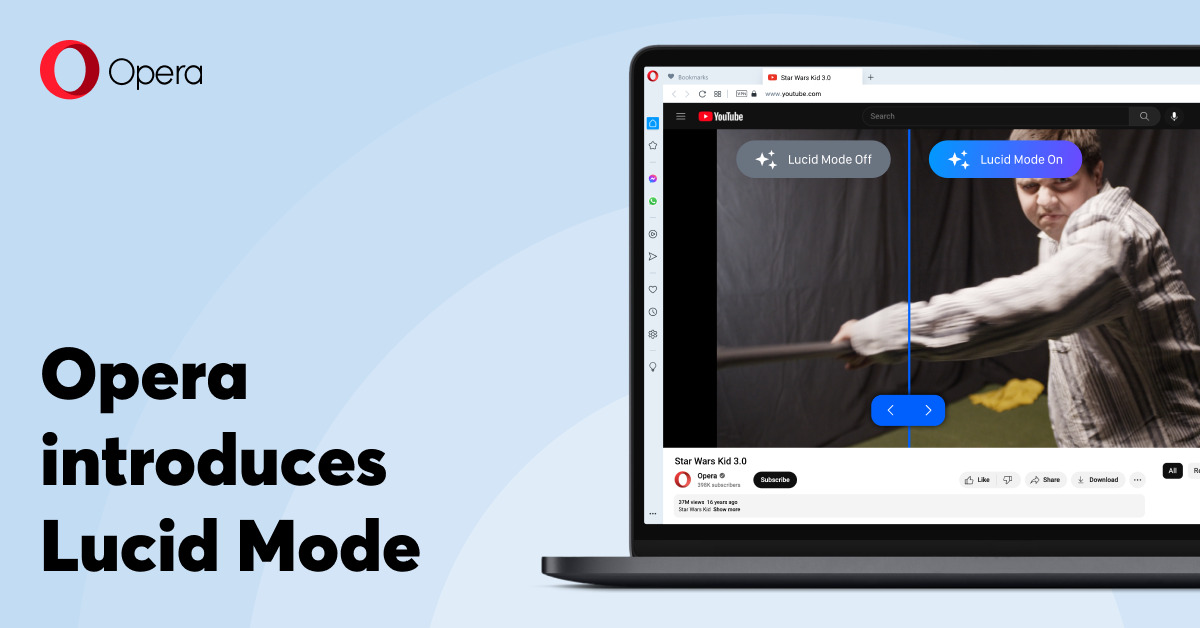
The Opera browser’s new Lucid mode sharpens videos to revitalize the classics.

The Opera Crypto Browser unlocks instant NFT publishing with the newly-integrated Alteon LaunchPad.

Opera kicks off its World Cup campaign with “Shake and Win,” a contest offering over $300,000 in prizes throughout the tournament.
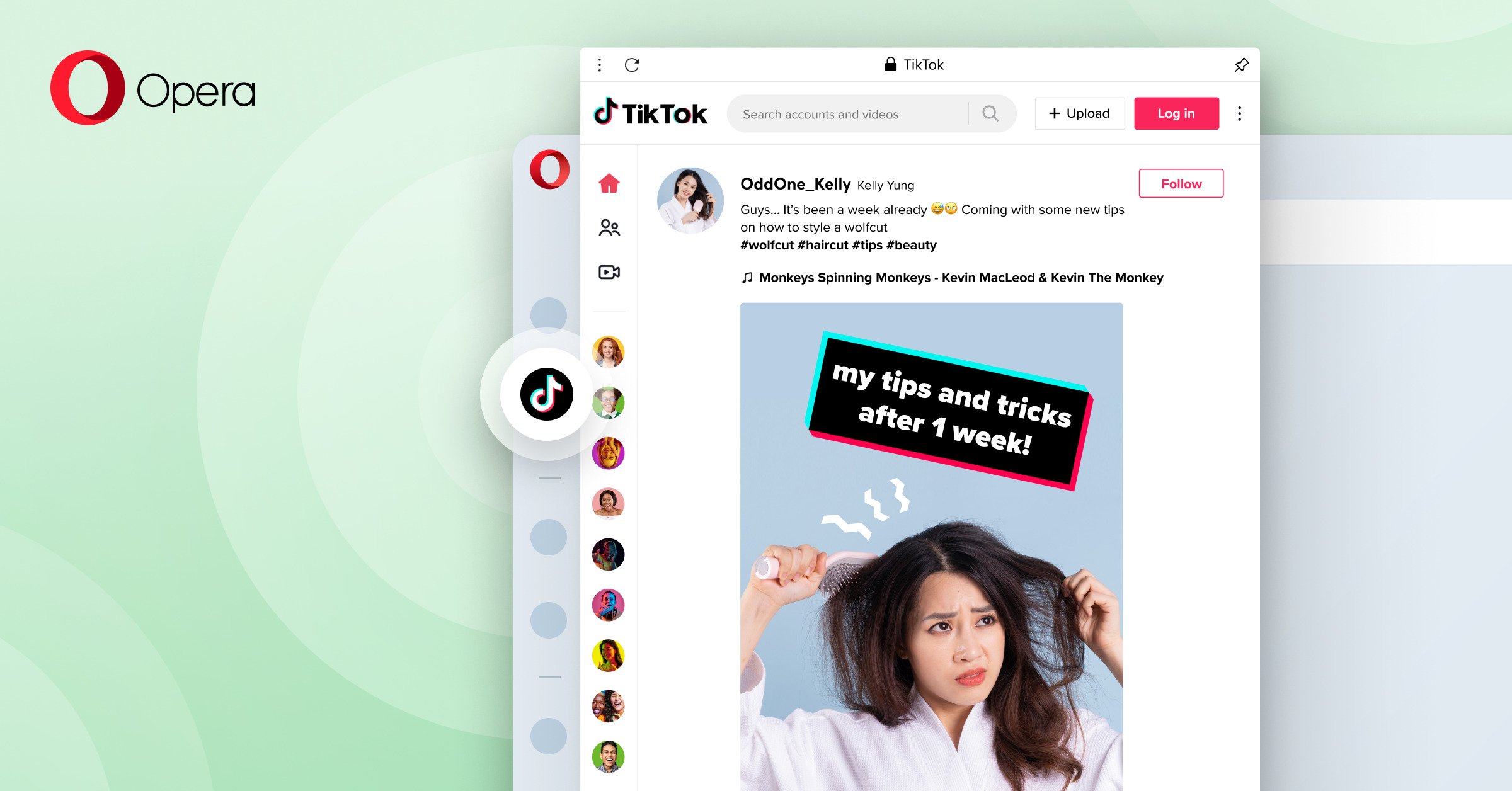
Opera [NASDAQ: OPRA] is adding a built-in TikTok feature to the sidebar of its desktop browser. Opera is the first browser with built-in TikTok.

Opera, the company behind the world’s first dedicated Web3 browser, today announces the launch of DegenKnows.io, its new NFT analytics, tracking, and exploration tool that helps users seamlessly discover, track, and verify digital collectibles. Alongside the launch of DegenKnows, the Opera Crypto Browser has integrated NEAR Protocol (NEAR), Elrond (EGLD), as well as Fantom (FTM) blockchains, adding to the many networks already integrated that include Ethereum, Bitcoin, Polygon, BNB Chain, and others.

Opera GX and TikTok are teaming up to announce the international #GamingForAll Challenge on TikTok that will benefit AbleGamers, a non-profit organization dedicated to using gaming to foster inclusive communities and improving the quality of life for people with disabilities. Opera GX is on a mission to enable all users to pursue their passion for gaming, no matter what their goals or abilities. That’s why the brand is partnering with visually-impaired Street Fighter champion BlindWarriorSven to inspire every gamer to challenge themselves to overcome their personal obstacles – no matter what they are.

Oslo, Norway and Sibiu, Romania — Opera Crypto Browser, the world’s first Web3-focused browser with native support for decentralized applications (dApps) and a non-custodial wallet, is announcing plans to expand its already robust suite of networks by integrating the Elrond (EGLD) blockchain, a highly scalable, fast and secure blockchain platform for distributed apps, and enterprise use cases.

Opera GX is offering a unique opportunity for artists and game creators to make a game for the mobile browser’s ‘No Internet’ page that displays when your mobile data or WiFi is out or the connection is dreadfully slow.

The Opera Crypto Browser now supports MetaMask and other leading wallets. To match this development, the browser is also shipping the innovative “Wallet Selector,” an industry-first multi-wallet management tool.

Oslo, Norway, August 4, 2022 — Opera [NASDAQ: OPRA], the company behind the eponymous web browser, recently announced the expansion of its security features with the new VPN Pro subscription service, a premium device-wide VPN that can be used without the installation of a separate app. The VPN Pro service, previously available on Android, is […]

New GX.games mobile game web platform by GameMaker and Opera GX now in beta Thanks to web assembly, games run with native-like performance on both Android and iOS and without the need for download GX.games allows for 1-click publishing from GameMaker Opera [NASDAQ: OPRA], the company behind Opera GX, the world’s only browser tailor-made to […]

As part of the collaboration, Opera will integrate Coin98’s comprehensive range of DeFi products and tap into the platform’s two million-strong community in Southeast Asia

Oslo, Norway, July 7, 2022 – Opera, the company behind the eponymous multi-platform web browser, today announced the expansion of its built in browser cashback service, Dify, to Germany. Opera is the first to provide German users with an integrated, seamless, non-intrusive cashback experience inside their browser. With the summer vacations around the corner and […]

Oslo, Norway, June 8, 2022 – Opera [NASDAQ: OPRA] has added Shopping Corner to its popular desktop browser. Now millions of users in Germany, Poland, the United States and the United Kingdom can save both money and time while shopping online efficiently. Since the pandemic, shopping online has become the norm, rather than the exception. […]

Opera GX asked gamers about losing control and its impact on others. – One in four gamers has destroyed their gear out of rage – Two out of three get angry when losing and a majority has had a game ruin their mood for the rest of the day – Opera partners with leading gaming […]
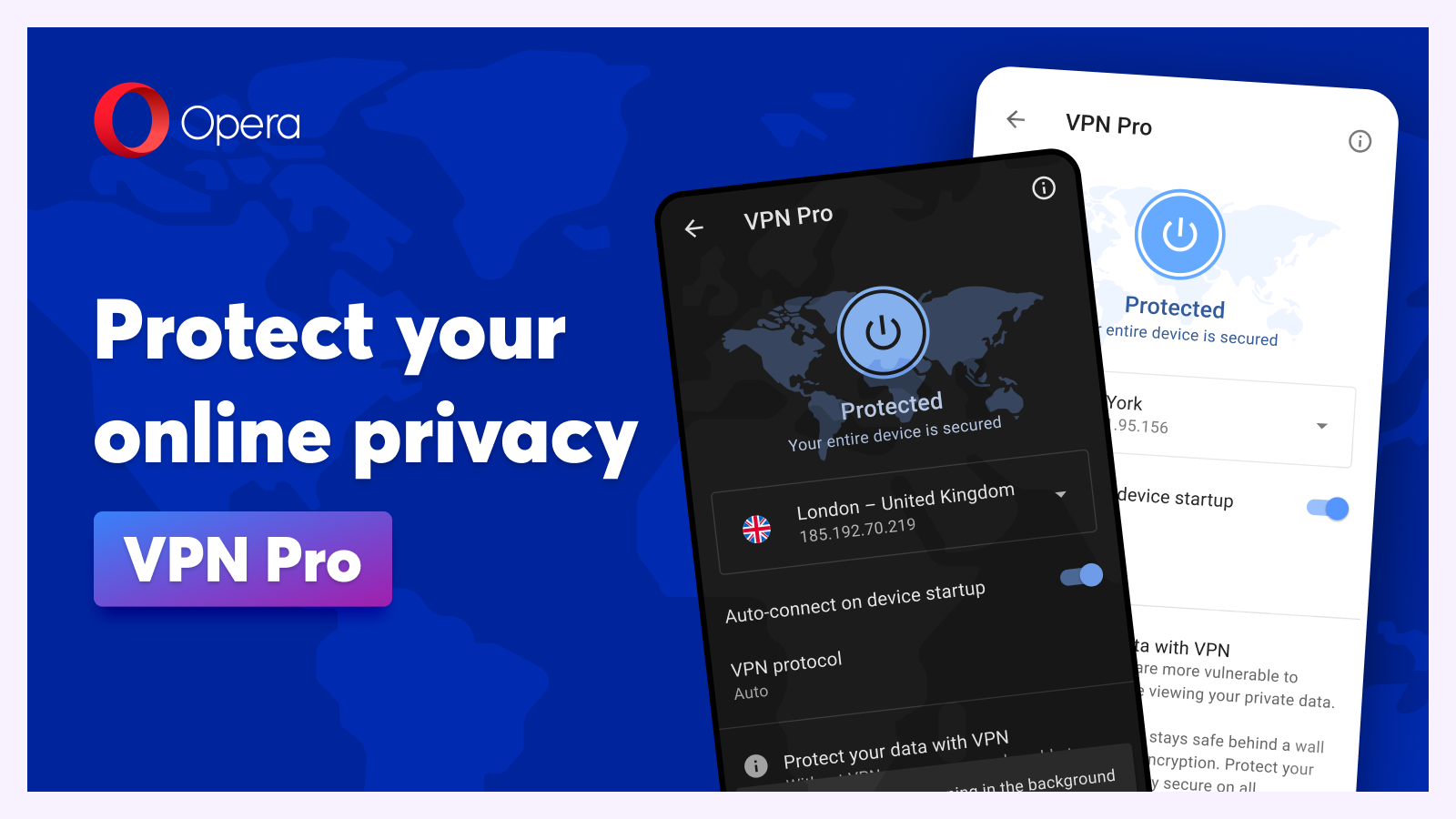
Oslo, Norway, May 25, 2022 – Six years ago, Opera [NASDAQ: OPRA] became the first major browser to offer a free, unlimited, no log built-in browser VPN service. Opera is now expanding its security features with the new VPN Pro subscription service, a premium device-wide VPN that can also be used without installing a separate […]

Opera, [NASDAQ: OPRA], the popular multi-platform web browser, today announces the successful integration of BNB Chain in its Crypto Browser. BNB Chain is the largest smart contract blockchain in terms of daily active users (DAU) and host to a plethora of community-driven and decentralized applications (dApps). The integration will allow users to buy the BNB token with fiat, as well as to send and receive it using the built-in Opera crypto wallet, and access dApps on the BNB Chain.

First dedicated crypto browser to provide 1 Billion iOS users with access to Web3 The launch of iOS support follows initial integration of the Crypto Browser Project with Windows, Mac, and Android and looks to take mass adoption of Web3 to new levels Oslo, Norway – Opera, [NASDAQ: OPRA], the company behind the popular multi-platform […]
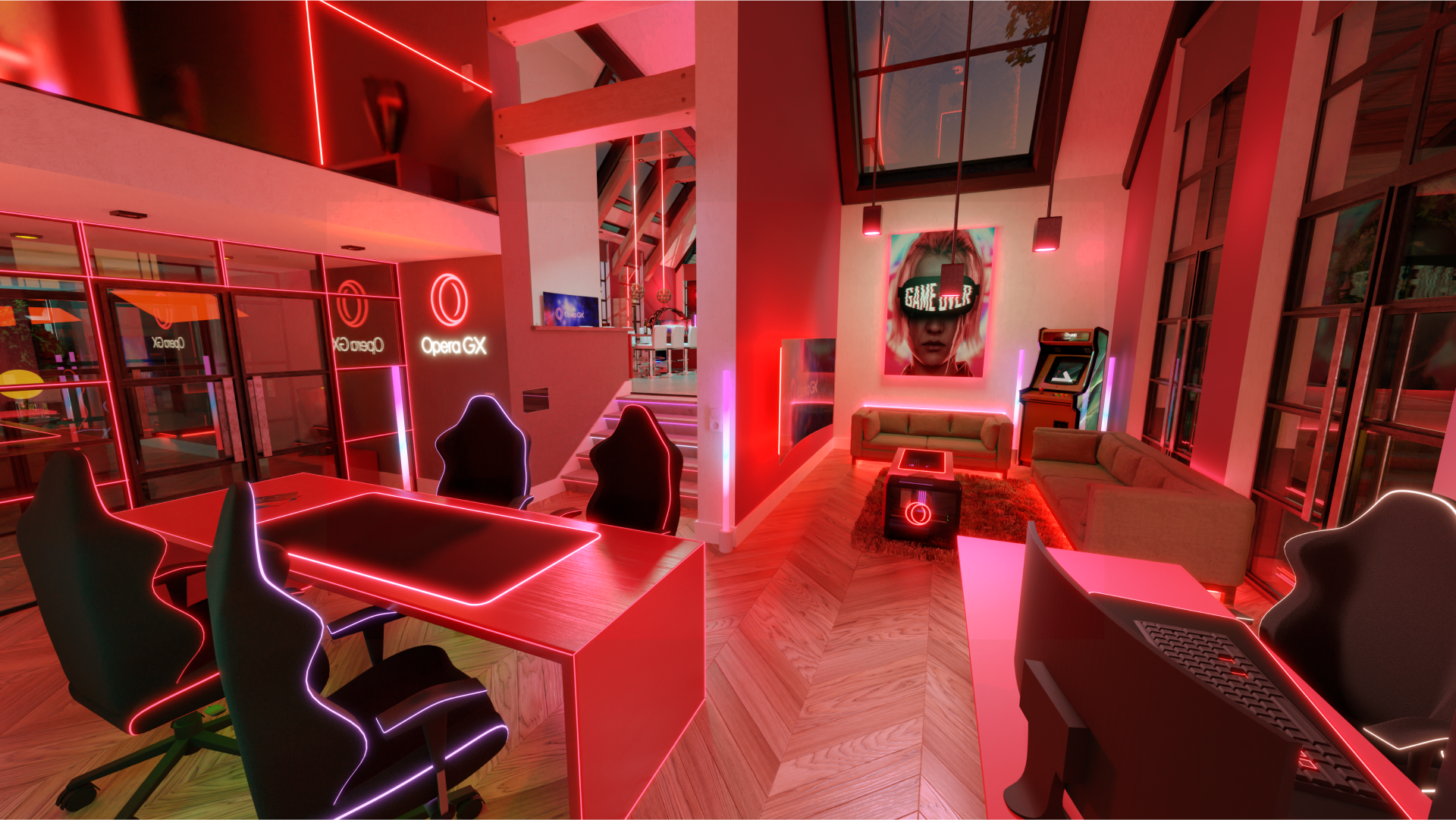
Opera GX is making a step from browser development towards property development. The idea behind the pilot Opera GX Village is to create a dream residential community for professional gamers and creators, built with their specific lifestyles in mind. A futuristic-utopia, where every home is furnished with top of the line gaming setups, decor, LEDs and fully customizable, just like the Opera GX browser but translated into a home.

Oslo, Norway, April 5, 2022 – Five years ago, Opera [NASDAQ: OPRA] became the first major browser to offer a free VPN service built-in to the browser. Today, Opera expands this with the new VPN Pro subscription service, a premium device-wide VPN that can be used without the need to install any new app. The […]

Today, Opera GX launches two new features, GX Profiles and Video Pickup. GX Profiles let users create several “copies” of Opera GX to separate and customize the browser they use to stream or to study from the one they use for other private activities by customizing each of these experiences. Video Pickup allows people to start watching Twitch or a video from another popular streaming platform on their PC and to continue on their phone right where they left off.

Opera users are getting seamless access to blockchains and decentralized apps (dapps) and services within eight different blockchain ecosystems including Solana, Polygon, StarkEx/Deversifi Layer 2 and Bitcoin as well as IXO, Ronin, Nervos and Celo

Create customizable lighting effects and animations to bring your gaming set-up to life in full polychromatic beauty when browsing with Opera GX March 8, 2022, Oslo, Norway – Opera GX has integrated Logitech G’s popular lighting technology, LIGHTSYNC RGB, to transform the browsing experience into a full-spectrum lighting experience, featuring over 16.8 million colors. Gamers, […]

Opera today announces an integration with Ethereum Layer 2 exchange DeversiFi powered by Starkware’s Layer 2 scaling solution — providing cheap and instant Ethereumtransactions within its mobile browser wallet.

Nervos is the newest blockchain to complete an integration with the Opera browser after Bitcoin, Ethereum, and Celo. The integration’s completion comes as more users and institutions look to seamlessly interact with their favorite decentralized apps (dapps), games, and metaverse platforms and give crypto transactions powered by Web3 technology an extra layer of security.

#NoticeMe Game Jam to give away $33,000 in prize money and immortalise winners in a one-of-a-kind arcade machine. Winners to be announced by gaming YouTube superstar PewDiePie. 22 February 2022, Dundee, Scotland and Oslo, Norway – Opera and GameMaker are excited to announce the #NoticeMe Game Jam, which will take place from March 4th to […]

Opera integrates emoji-based addresses with Yat. The browser company has partnered with Yat to integrate its emoji system in Opera’s browsers on Windows, Mac, Android and iOS. Opera users can now access emoji-based web addresses and register their unique strings of emojis as their personal domains.

Opera GX [NASDAQ: OPRA] joins the Epic Games Store, becoming the first web browser for gamers available in the store.

Opera, [NASDAQ:OPRA] the company behind the popular, eponymous multi-platform web browser, today unveils its “Crypto Browser Project,” offering users direct, frictionless access to Web3 services with beta versions immediately available for Windows, Mac and Android.

Oslo, Norway – Opera has announced partnership with the dWeb Foundation over an integration of the decentralized blockchain domain name system, Handshake. Handshake is a decentralized, permissionless naming system that disintermediates the old guard of Certificate Authorities operating in the traditional DNS namespace hierarchy by providing a more advanced, secure, open, and accountable network. The […]

Oslo, Norway, and Dubai, UAE – Opera, the world’s first major mobile browser with web3 support and a built-in crypto wallet, today announces an upcoming browser integration with Polygon, an Ethereum scaling platform onboarding millions to web3. The integration is set to occur in Q1 2022 and will enable millions of Opera users in-browser access […]

Opera marks 15 years in Africa, having helped 150 million mobile users in Africa access fast and affordable internet To coincide with this anniversary, Opera is giving away 150 GB of data to 150 people, totalling 22.5 terabytes of data through a competition across South Africa, Kenya and Nigeria celebrating digital connectivity Alongside its continued […]

Extension to offer FCA-regulated flexible finance solutions via Opera’s PC browser December 15, 2021, London, England and Oslo, Norway – Opera [NASDAQ: OPRA], a leading global web innovator chosen by hundreds of millions of users globally, is collaborating with Butter, one of only two Buy-Now-Pay-Later (BNPL) platforms regulated by the FCA, to make the user […]

Oslo, Norway and Zug, Switzerland – Opera, the world’s first browser with web3 support and a built-in crypto wallet, is joining forces with Solana Labs to integrate the blockchain and support Solana dApps in the first quarter of 2022. Opera has been providing web3 support and a built-in crypto wallet in its browsers both on […]

Oslo, Norway and Wroclaw, Poland, December 7, 2021 – Opera, the global web innovator with an engaged base of hundreds of millions of monthly active users, is releasing the public beta of its new VOD platform, Loomi, in Poland. With Loomi, Opera is revolutionizing the way people watch movies, making the experience more exciting and […]

Opera GX, the world’s only browser for gamers, is launching the first ever graveyard in the metaverse. The online platform has been designed for people to roast their friends and bury the avatars of people who disappeared from their gamer lives for other obligations Oslo, Norway – Marital duties, renovating a flat or a 9-to-5 […]

The company launches its in-browser Dify Cashback solution with a privacy focus in Russia and Ukraine Dify Cashback offers the fastest and highest cashback among key competitors on local markets, with up to 30% from over 700 partners on both markets combined – without the need to install extensions November 10th, 2021 – Opera, a […]

Game making and sharing without coding is here. Opera GXC delivers the first glimpse of Opera’s grand gaming vision by bringing GameMaker Studio 2 and Opera GX closer to make creating, sharing and playing new games as quick and easy as posting on social media. The GXC platform enters public beta today. The platform provides […]

Opera partners with Moonpay for easier FIAT to crypto top ups in its crypto wallet
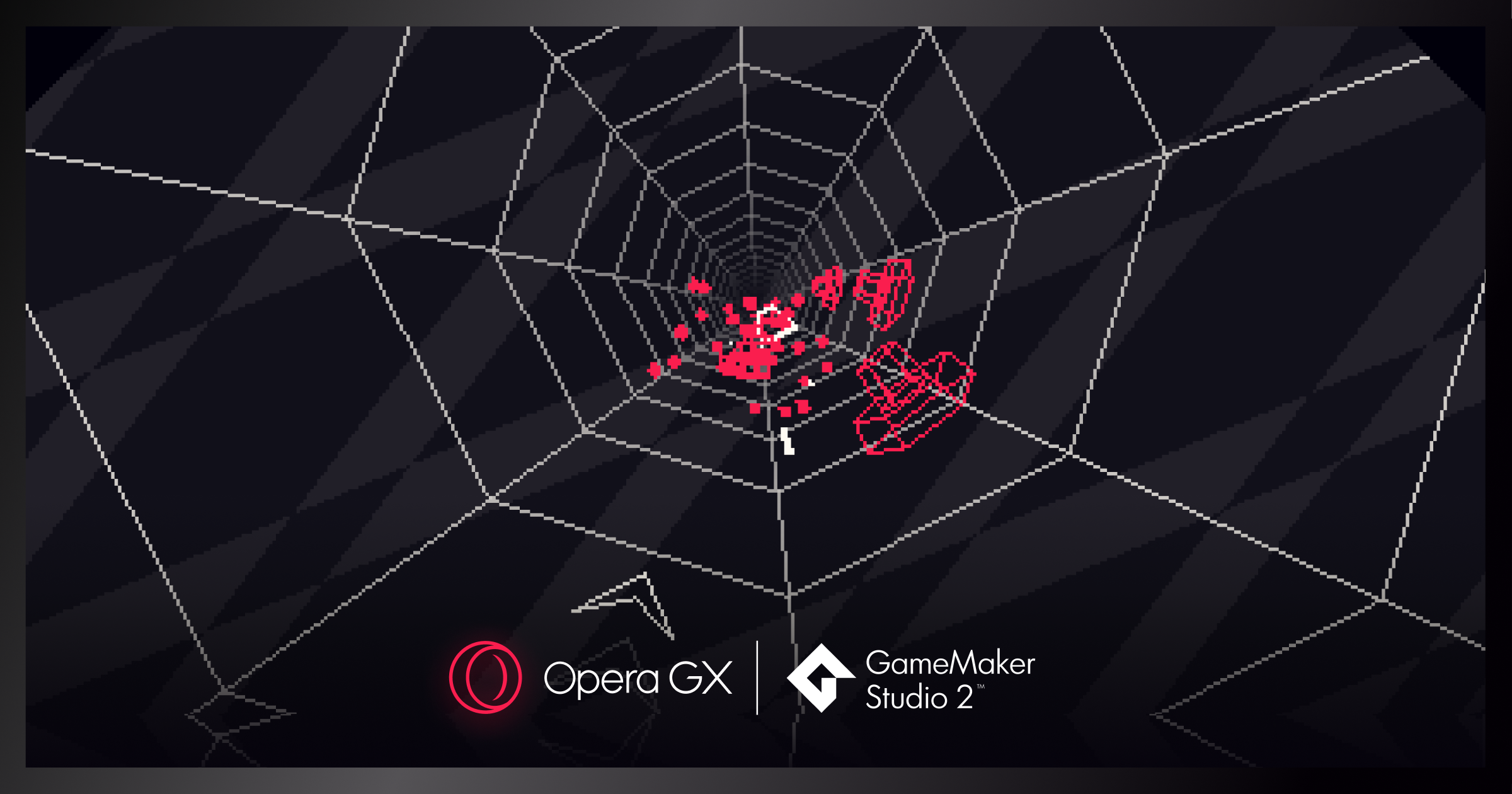
In those moments where the WiFi is gone, Operius will help take your mind off your frustration with its fast-paced arcade gameplay. Created in the game creation suite GameMaker Studio 2, Operius is playable in the Opera GX browser today. The game will appear whenever your network crashes.

The collaboration will be kicked off by an auction of five super rare Anomaly NFTs on October 23, followed by a general sale of mystery boxes with NFTs on the new Traden.pro platform starting on Oct 26, 2021. Oslo, Norway – Opera, the personal browser of choice for hundreds of millions of people and the […]

The company launches a new in-browser cashback solution with privacy focus, tailored for Poland under its fintech and e-commerce brand Dify Dify Cashback offers the fastest and highest cashback, with up to 30% from over 300 partners – without the need to install extensions October 7th, 2021 – Opera is a leading global web innovator […]

Opera, the world’s first browser with Web 3 capabilities and a built-in crypto wallet, today announced plans to provide millions of Opera mobile users worldwide with access to the Cosmos Internet of blockchains, for sustainable and regenerative digital finance.

The web browser’s hundreds of millions of users will be able to easily access and transact on the NEAR blockchain and with NEAR tokens within Opera. Oslo, Norway — Opera, the world’s first browser with Web 3 capabilities and a built-in crypto wallet, today announced plans to support NEAR Protocol, one of the world’s emerging […]

Opera is launching a new self publishing platform named GXC. GXC will provide game creators with faster feedback for early stage games as well as with 1-click publishing from GameMaker Studio, to Opera GX’s growing gaming community. Game creators can join an early bird competition with a $45K prize pool for the best submitted games.

Oslo, September 28, 2021 – Opera, the personal browser of choice for hundreds of millions of people worldwide, becomes available in the Microsoft Store on Windows. This means Windows users will get easier access and more choice in picking their preferred browser. An easier access to the Norwegian company’s superior set of features including a […]

OSLO, Norway, September 22, 2021 – Today, Opera [NASDAQ: OPRA] has announced the launch of its self-serve advertising platform Opera Ad Manager, powered by DanAds, a customizable and scalable self-serve ad tech infrastructure for tier1 publishers. It is designed to create, manage, and report on digital advertising campaigns in one place allowing advertisers to reach […]

Opera GX is introducing iCUE integration that makes CORSAIR gear dynamically respond to browsing. From now on, whenever you start the browser, open a new tab, finish a file download or complete any number of other browsing tasks, your CORSAIR gear will respond with one of a set of custom effects courtesy of Opera GX’s design team – further ensuring that Opera GX is an essential tool for every gamer

Dinosaurs are long extinct and surfing is better with the internet up – this is GX’s response to offline games in other browsers Opera GX is calling on artists and game creators to make a game for the browser’s ‘No Internet’ page that displays when your WiFi is out Creators of the best three games […]

Today, Dify, the cashback with the highest and fastest rewards* from Opera, one of the world’s major browser providers with hundreds of million of monthly active users globally, becomes available in Opera GX, Opera’s unique browser for gamers,as well as an extension for Chrome, Firefox, and other Chromium based browsers to extend its benefits to a larger audience.

OSLO, Norway, July 6, 2021 – Today, Opera has announced the launch of its dedicated chat service Hype, built into the Opera Mini mobile web browser, in Nigeria and other English speaking African countries. With the introduction of Hype, Opera is redefining the concept of mobile browsers, providing users with a personalized, engaging browsing experience […]

OSLO, Norway, July 6, 2021 – Opera is launching Hype Clubs, public and interest-based group chats in Hype, the new chat service built into the Opera Mini web browser. Hype is currently available and quickly gaining popularity in Kenya, South Africa, Ghana, Zambia, Nigeria and other English-speaking African countries. Chatting with others who have the […]

OSLO, Norway, July 1, 2021 – Today, Opera (NASDAQ: OPRA) becomes the world’s first alternative browser optimized for Chromebooks. The Opera Browser brings many unique features previously unavailable on the Chrome OS platform, including a free, unlimited, no-log browser VPN, built-in messengers, ad blocker, cookie dialog blocker and color themes. With 30 million Chromebooks sold […]

The newest version of Opera’s desktop browser comes with new features and supportive design tailored to the changes in people’s everyday online lives: from video calls, through sharing ideas with friends to a better music streaming experience
The web browser’s hundreds of millions of users will be able to easily access and transact Nervos’ native token within Opera. OSLO – Opera, the world’s first browser with Web 3 capabilities, today announced plans to support Nervos, one of the world’s leading blockchains, through a new CKB$ (Nervos crypto asset) integration via its native crypto wallet. […]

The mobile version of the hugely popular Opera GX desktop gaming browser launched today on Android and iOS, celebrating the final day of the biggest event in the gaming calendar June 15, 2021, Oslo, Norway – To celebrate the final day of E3, Opera (NASDAQ: OPRA) today announced the launch of Opera GX for mobile, […]
OSLO, Norway, June 9, 2021 – Today, Opera has announced the launch of its dedicated chat service Hype, built into the Opera Mini mobile web browser, in South Africa, Zambia and Ghana. With the introduction of Hype, Opera is redefining the concept of mobile browsers, providing users with a personalized, engaging browsing experience that enables […]

Leading global esports platform Challengermode has teamed up with multi-platform web browser Opera GX to create the world’s first grassroots esports fund, with the aim of accelerating the growth of small emerging esports organisers in the UK, US and Germany. Think local sports clubs but for esports.
New Opera GX Mobile joins rapidly growing Opera GX desktop browser used by over 9 million gamers May 20, 2021, Oslo, Norway – Opera Limited (NASDAQ: OPRA), one of the world’s major browser developers and a leading internet consumer brand, today announced the launch of Opera GX Mobile – the world’s first mobile browser designed […]

Web browser Opera (NASDAQ: OPRA) today announced full integration by default with blockchain domain name provider Unstoppable Domains, providing millions of users with seamless access to the decentralized web. Without downloading a browser extension, users can now access decentralized websites hosted via IPFS using Unstoppable Domains’ popular .crypto NFT addresses from the Opera browser on any platform, including iOS, Android, Windows, Mac or Linux.

Opera GX has invited Anomaly and pashaBiceps to form teams with their Twitch subscribers for the ultimate streamer face-off in Counter-Strike: Global Offensive. Both teams will receive professional coaching from world-renowned experts. Opera GX, the world’s first browser for gamers, is offering the chance of a lifetime to eight gaming enthusiasts: Anyone can apply to join the teams. Applications are open until April 18.

Opera is the best browser for iOS fans who enjoy minimalist design, fast browsing, and advanced features for enhanced privacy and security online. Opera is the best browser for iOS fans who enjoy minimalist design, fast browsing, and advanced features for enhanced privacy and security online. Opera is the best browser for iOS fans who […]

Opera Limited (NASDAQ: OPRA), one of the world’s major browser providers with 380 million monthly active users globally, today announced it has hired PayPal veteran Allen Hu to become new Executive Vice President (EVP) of Dify, Opera’s fintech arm. An expert in financial technology and payments, Allen Hu will lead the Dify business. He brings a wealth of experience from nearly ten years at PayPal, where he was Regional Head of Global Core Payments, based in California. This news follows the recent launch of Dify in Europe.
Opera Mini, with more than 100M users worldwide, becomes the world’s first mobile browser with an integrated chat service. With Hype, Opera reimagines the chat experience, with content sharing as a key feature. Hype will first launch in Africa, where Opera has nearly 150M MAU, with Kenya as the pilot market February 23, 2021: Today, […]

Opera Launches Dify, an in-browser cashback & payments solution and standalone wallet app New in-browser functionality and Dify wallet app to target Opera’s 50-million-plus European browser users Dify Wallet launches with free MasterCard debit card Service to debut in Spain with more European markets to follow February 16, 2021 – Opera Limited (NASDAQ: OPRA), one […]

Opera will be the title partner of the Opera Euro Rapid, the next tournament of the Meltwater Champions Chess Tour organized by Play Magnus Group. Opera is also becoming Official Browser Partner of the Tour.

Opera (NASDAQ: OPRA), the browser developer and consumer internet brand, today announced its acquisition of YoYo Games, creator of the world’s leading 2D game engine, GameMaker Studio 2, for approximately $10 million. The tuck-in acquisition represents the second building block in the foundation of Opera Gaming, a new division within Opera with global ambitions and follows the creation and rapid growth of Opera’s innovative Opera GX browser, the world’s first browser built specifically for gamers.

Users can capture snaps from the web and personalize them with Opera’s original emoticon collection New media player removes the need for third-party players Millions will get new Android devices during holiday season and Opera gives them more reasons to become their new browser Oslo, Norway Dec. 7, 2020 – Today, Opera is releasing the […]

The world’s first gaming browser ups its game from basic Chroma integration by introducing lighting effects that allow Razer Chroma-enabled devices to dynamically respond to your browsing. Opening a tab, receiving a message or downloading a file has never looked better.

Opera is adding quick access to the world’s most popular music streaming platforms to its browser. The new Player feature lets you log into Spotify, Apple Music and YouTube Music directly from the browser’s sidebar.

Opera GX, the world’s first gaming browser, is introducing color themes and GX Cleaner, to purge unwanted files that slow you down.

The Norwegian browser company is opening a dream position for anyone hooked to their computer screens. The winning candidate will be compensated with $9,000 for the two week personal browsing stint. Opera is looking for the unvarnished truth, no matter how weird, funny or boring it is.

Opera browsers remove the hassle of managing your logins, notes, passwords and files Sync between browsers can now be set up with a simple, fast and safe QR-code. Opera is now also adding support for the popular Flow feature to its Android browser. It lets users create a personal chat to send links, images and […]

Oslo – Opera GX, the world’s first browser designed for people who love PC gaming, is releasing a major new feature still unknown to other browsers: adaptive background music. The new functionality aims to bring an immersive sound experience known from gaming to web browsing.

Opera [NASDAQ: OPRA] is joining the Emerging Payments Association EU, a membership association of major companies working within the payments industry, marking a further step by Opera to grow its operations within the European fintech space.

New offering will help 40 million small and medium sized businesses in Nigeria improve their online presence. Opera Limited (NASDAQ: OPRA), one of the world’s major browser providers and leader in AI-driven content delivery, is extending its offering to small and medium enterprises (SMEs) in Nigeria. In 2019 Opera launched OLeads, a lead generation platform, […]

More than 191,000 people revealed their favorite gaming genres, streaming habits, and even the types of drinks they choose while playing games and watching streamers. Today, the world’s first browser for gamers is also launching a quiz that lets you find out what type of gamer you are.

Opera is soon to launch its first consumer fintech offering for a European market. Through Fjord Bank, Opera will further accelerate its fintech operations in Europe. Opera Limited (Nasdaq: OPRA) (“Opera”) is one of the world’s leading browser providers with more than 360 million users, and new offerings across content, classifieds and fintech. Today, Opera, headquartered […]

Oslo, Norway Today the Norwegian browser maker Opera [NASDAQ: OPRA] becomes the first major browser to add built-in Twitter in the sidebar. In version 69 of the Opera browser for desktop, Twitter fans can get the best possible experience on their desktop computers. The innovative Opera browser specializes in providing unique features not typically found […]
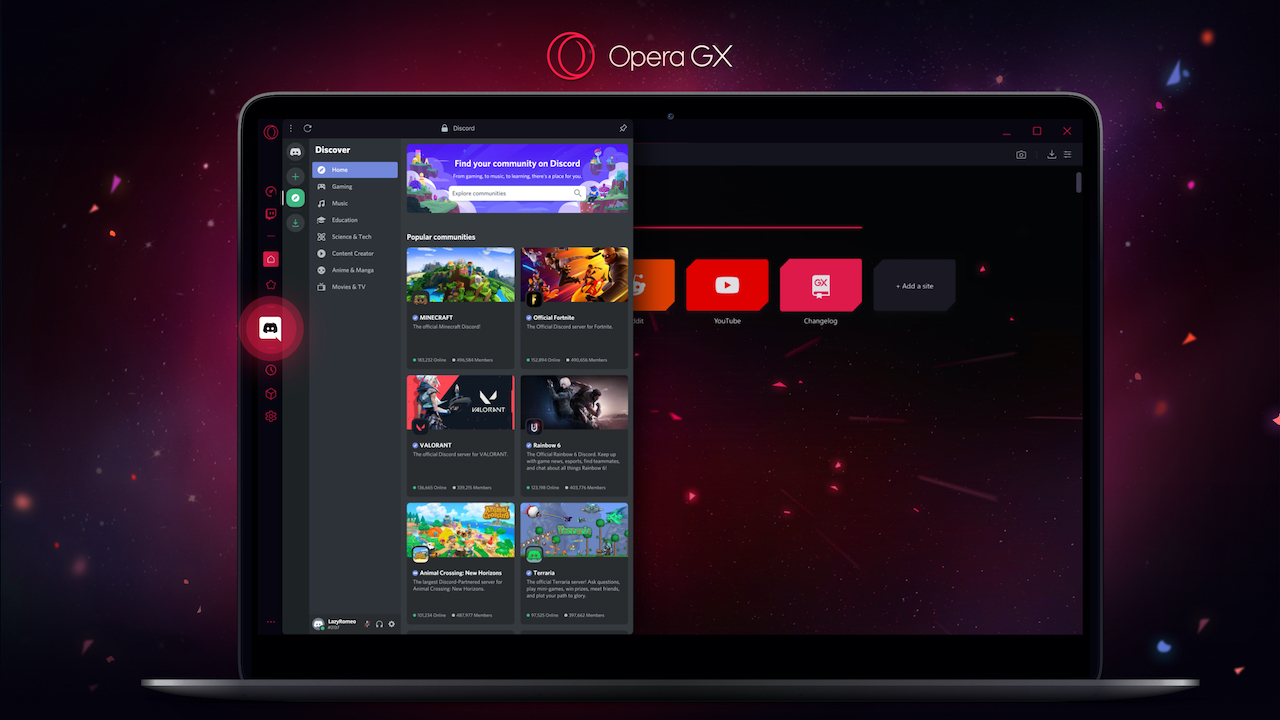
Oslo, Norway – Opera GX, the world’s first gaming browser, is introducing new features including Discord support and a Hot tabs killer. It can also force brightly-designed pages to become dark to stop that nighttime glare. Opera believes that the more than one billion PC gamers around the world deserve a browsing experience tailored to […]

APO Group (www.apo-opa.com), the leading pan-African communications and business consultancy, and Opera (www.Opera.com), one of the world’s leading browser providers and platforms in the field of integrated AI-driven digital content, are partnering up to boost the prominence of truthful news articles related to the spread of COVID-19 across Africa. The APO Group Newsroom website (www.Africa-Newsroom.com) […]

Users grew 28% year-over-year driven by increased engagement from the Opera News Hub self-publishing platform and light version of the app Oslo – Opera (NASDAQ: OPRA), one of the world’s leading browser providers and platforms in the field of integrated AI-driven digital content, today announced that its Opera News service reached more than 200 million […]

More than one hundred million people are upgrading to the new version of the popular mobile browser. Opera, one of the world’s major browser developers, launched Opera Mini 50 today. In a major upgrade, the popular browser has fully revamped its user interface to allow for more personal and intuitive interactions with the most loved […]
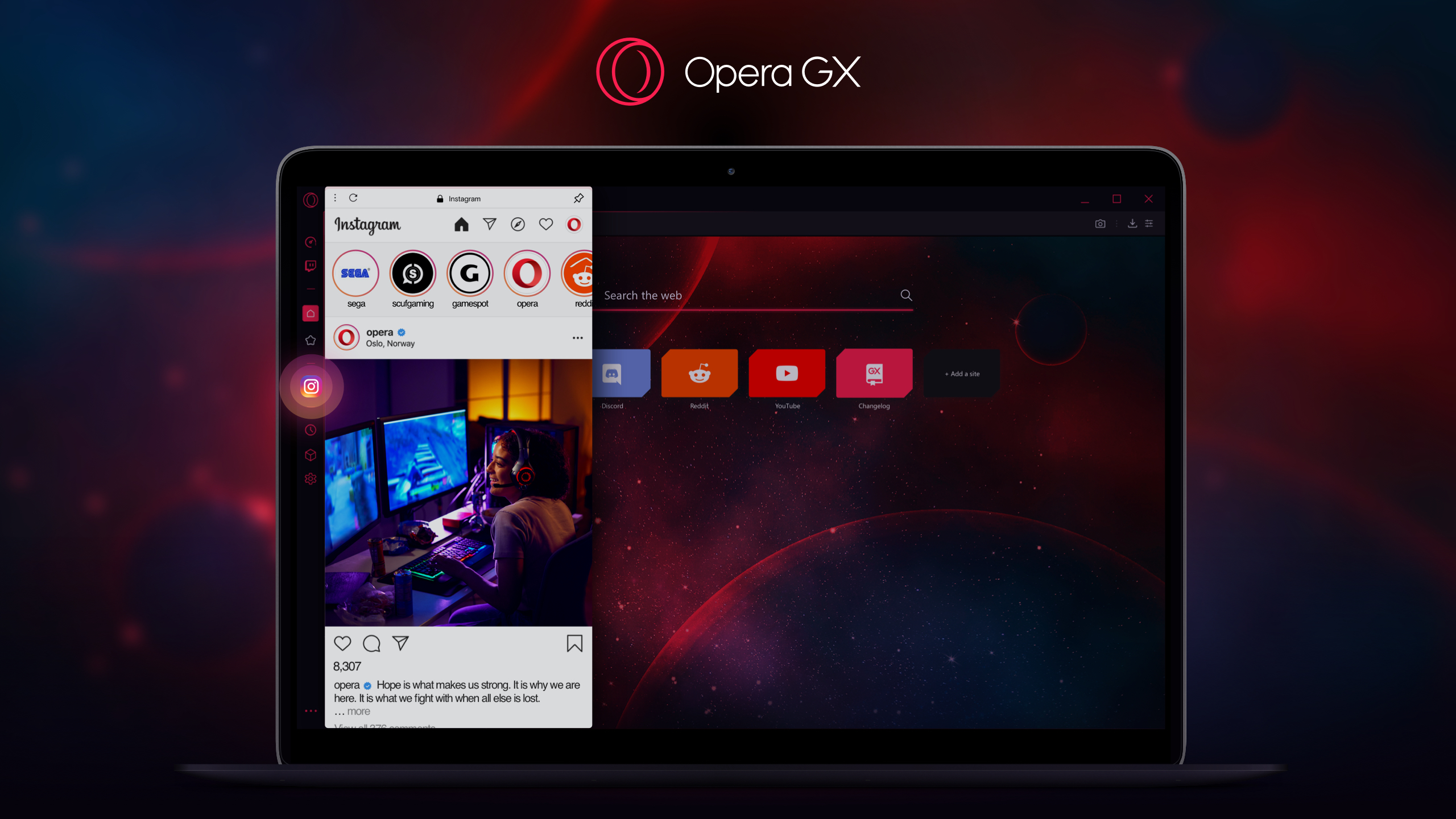
Instagram now built into the world’s first gaming browser Opera GX gets Workspaces, a tool for tab-grouping according to context GX has doubled monthly users since the beginning of the year to more than 3 million Upcoming 1-year celebration of GX with new release Oslo, Norway – Opera GX is the world’s first gaming browser, […]

Oslo – Opera [NASDAQ: OPRA] is adding a built-in Instagram feature to the newest version of its desktop browser, Opera 68. The popular browser, available on Windows, Mac and Linux, already has several built-in messengers in the sidebar, including Facebook Messenger, WhatsApp and Telegram. Recent weeks, with people staying at home and social distancing as […]

The platform is now used by more than 40 thousand African content creators Opera, one of the world’s major browser developers and a leading internet consumer brand, has launched its online editorial platform Opera News Hub, in Ghana. The launch of Opera News Hub provides Ghanaian authors and bloggers with easier ways to produce, distribute, […]

The Norwegian browser developer has introduced an always on speed dial and a dedicated news channel in the Opera Mini and Opera For Android browsers The coronavirus outbreak is rapidly spreading across the African continent. As of March 31, 2020, Africa CDC reported over five thousand cases of people infected with COVID-19 in 46 African […]

Today, Opera (NASDAQ: OPRA) is announcing new improvements to its flagship Android browser (Opera for Android) which, along with existing features such as the popular built-in ad blocker, provide people with smoother browsing even on congested and thus slower networks.

The world’s first Web 3 ready browser introduces seamless support for the decentralized web through IPFS support Opera expands 30-second crypto wallet top-ups to the entire EU, Australia, New Zealand, Mexico and Switzerland. Opera users can now register .crypto domain names and wallet addresses Oslo, March 30, 2020 – Opera (NASDAQ: OPRA) was the first […]

Opera, one of the world’s leading browser providers, and international nonprofit organization, Worldreader, are expanding the access to ebooks for children and students via the Opera Mini browser during the coronavirus outbreak. Starting this week, Worldreader will offer a new selection of ebooks to Opera Mini users as well as a brand new web app […]

Since its launch two years ago, Opera News has become one of the most used news and content apps in the world, with more than 160 million users. Today, Opera launches Opera News Lite, a lighter version of the popular Opera News application, designed for devices with limited data storage capabilities. With a download size […]

Opera was the first browser to introduce Web 3 capabilities and a built-in crypto wallet across all of its mobile and desktop browsers. The Norwegian company is now letting its US users easily purchase cryptocurrencies using a debit card or Apple Pay.

Opera Ads, the fast growing online advertising platform that connects the advertisers seamlessly with Opera products, has selected Httpool as its new ad sales partner in Southeast Asia. Through this partnership, Opera will provide digital marketing solutions for brands, media agencies and other advertisers in Indonesia, Philippines, Thailand, Malaysia, Vietnam and Bangladesh. Opera Ads offers […]

The newest desktop release, codenamed R2020, improves one of the most important parts of a web browser – tabs – and helps people become more organized. Oslo, Norway Workspaces: tab organization redefined Many of us know the pain and frustration associated with having a disorganized browser. We might be neat freaks at home but we […]

With unique features on its mobile applications and the installation of its new local servers, Opera is significantly improving the online experience of millions of Kenyans Opera (Nasdaq: OPRA), one of the world’s leading browser developers with more than 350 million monthly active users, today announced the successful installation of its new local servers in […]

Opera (NASDAQ:OPRA) is releasing the newest version of its flagship Android browser. Version 56 of the Opera browser for Android comes with a significantly enhanced reader mode: the redesigned feature improves readability and allows users to stay focused on the content they are reading. The improved reader mode is Opera’s latest effort to allow people […]

Today, the Norwegian headquartered company announced completion of the acquisition of the Estonian-based company Pocosys, as well as an agreement to further take over Pocopay, its sister company, which holds a payment institution license and provides financial services in the European Union. With these acquisitions, Tallinn will become Opera’s second European hub for fintech services, following Gothenburg, Sweden.

The most popular mobile browser and music service to provide free downloadable music in nine African countries. Opera and Mdundo, a leading African music sharing platform, has announced that Opera Mini users can now, for free, listen to and download their favorite music from the most recognized artists in Nigeria, Ghana, Kenya, Tanzania, South Africa, […]

Opera GX is now ready to run on your Mac. According to a representative study conducted by Opera on gamers in the US, 14% of people play computer games on their macOS devices, while 82% use Windows machines. Although not dominant on the market, Mac remains a relevant gaming environment. The macOS version of the world’s first gaming browser is now available for download in early access mode.

OKash, one of the most popular microlending applications in Kenya, won the award as the best Mobile Loan Platform of 2019 at the 3rd Digital Tech Excellence Awards in Nairobi, Kenya. The award recognizes the outstanding positive impact the microlending app has had on the everyday life of its users in Kenya. OKash is an […]

Opera Ads is a fast-growing online advertising platform that seamlessly integrates into the Opera product portfolio and its 350 million global users. The company has recently announced the addition of new ad units that will help advertisers increase engagement with their target audiences and maximize the performance of their online campaigns. In traditional online advertising, […]

The new data servers have just improved the internet experience for millions of Nigerians. Opera Limited (Nasdaq: OPRA), one of the world’s major browser developers and leader in AI-driven digital content, has officially announced the successful installation of their new local servers hosted within the MDXi Lekki Data Centre in Lagos, Nigeria, which is also […]

The new media platform helps authors and bloggers produce and distribute original content while getting discovered by new audiences Opera, the Norwegian browser developer and leader on AI driven digital content, announced today that Opera News, the most downloaded news app in Nigeria, is expanding its platform with the introduction of Opera News Hub – […]

The new online lead generation platform integrates seamlessly into Opera’s scalable advertising ecosystem in Nigeria. Opera Limited (Nasdaq: OPRA), one of the world’s major browser developers and leader in AI-driven digital content, has announced the launch of OLeads—a new online lead generation platform for Small and Medium Enterprises (SMEs). OLeads offers a unique tools to […]

The newest version of Opera for Android steps beyond dark and light modes in a major interface redesign and adds Bitcoin support.

Opera (NASDAQ: OPRA), one of the world’s leading browser providers, has just added a new tracker blocker, which speeds up web browsing by almost 20 percent. The new feature compliments Opera’s set of existing privacy-enhancing features including an ad blocker and a free, unlimited VPN. The company is also introducing improvements to the Snapshot tool which make taking and sharing screenshots more fun.

Opera GX is the world’s first gaming browser. Launched in June 2019 in early access mode, it now comes with several major new improvements including a game release calendar, a network bandwidth limiter and improvements to the built-in Twitch feature. Oslo, Sept 12, 2019 Launched in June 2019, during the E3 gaming convention, Opera GX […]
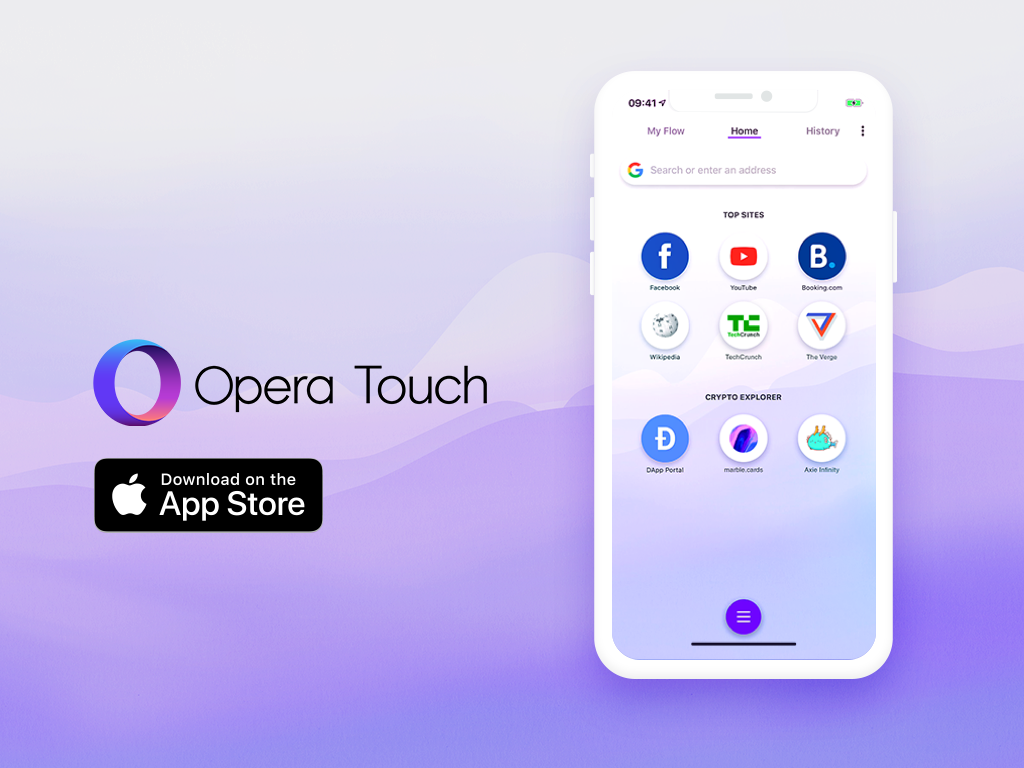
The blockchain-ready Opera Touch browser for iOS is available for download starting today. This release follows Opera’s addition of Crypto Wallet support on Android and PC and means that Opera is now Web 3-ready across all major platforms. Oslo – The award-winning Opera Touch browser for iOS now features crypto wallet integration and Web 3 […]
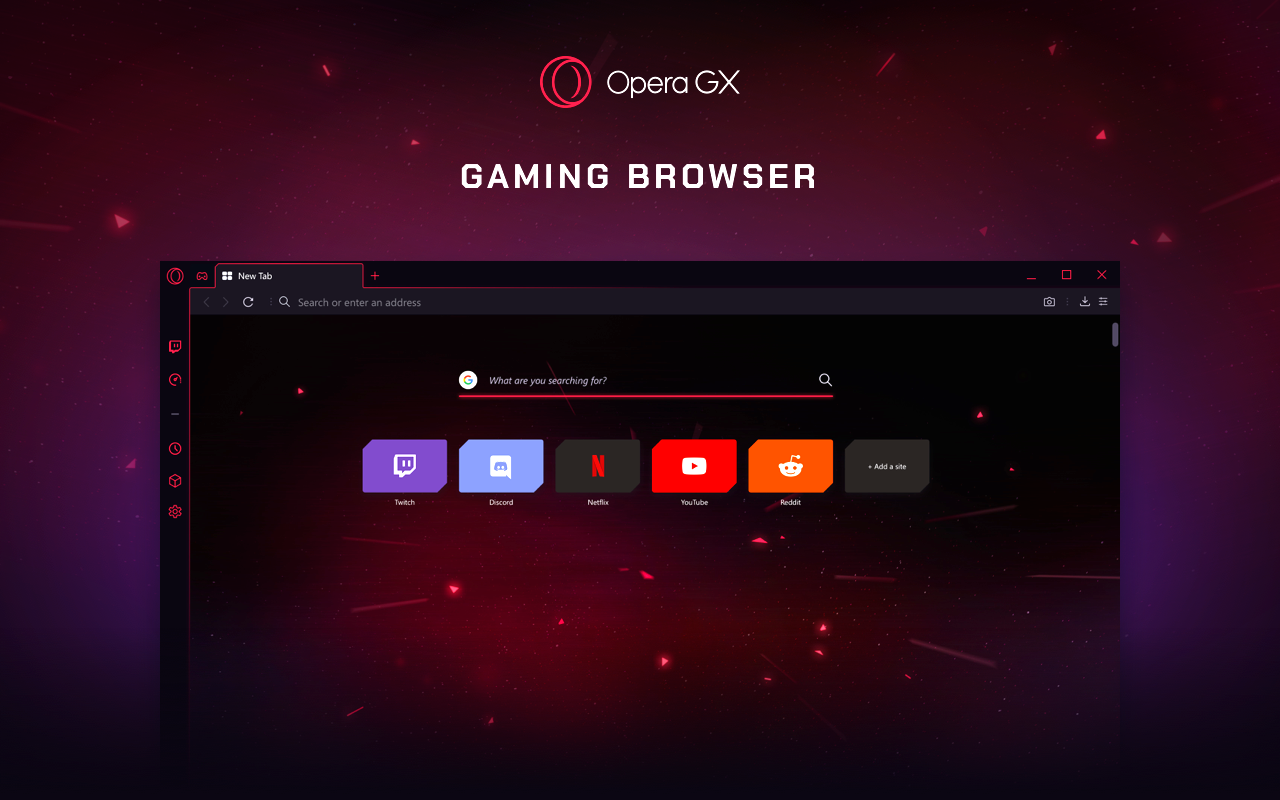
The new PC browser lets gamers control their computer’s CPU and memory usage to make their gaming and streaming smoother. It also features Twitch integration and numerous customization options. Los Angeles, California/ Oslo, Norway – There are currently more than 1.2 billion* PC gamers. Today, Opera unveils the world’s first web browser tailored to their […]

Opera, one of the world’s major browser developers, and a leader in the field of content platforms, presented today the State of Mobile Web 2019 report, which gives a detailed look at the digital landscape of the African region. The report reveals that in Q1-2019, the Opera browsers and standalone news app were used by […]

(Oslo, Norway and San Francisco, CA) – Opera, the first browser with Web 3 capabilities, is announcing its intention to soon support TRON’s TRX and other TRC-standard tokens within its browser. Opera’s Crypto Wallet already supports ETH and ERC tokens. The decision to add another major blockchain onto its platform, marks a further step in […]

Early access program launched in selected markets Oslo, Norway, May 15th 2019. Opera Limited (Nasdaq: OPRA) (“Opera”), one of the world’s major browser developers, and leader on AI driven digital content, announced today a new product – Opera Ads – which serves the needs of digital marketers worldwide. The new platform gives advertisers a unique […]
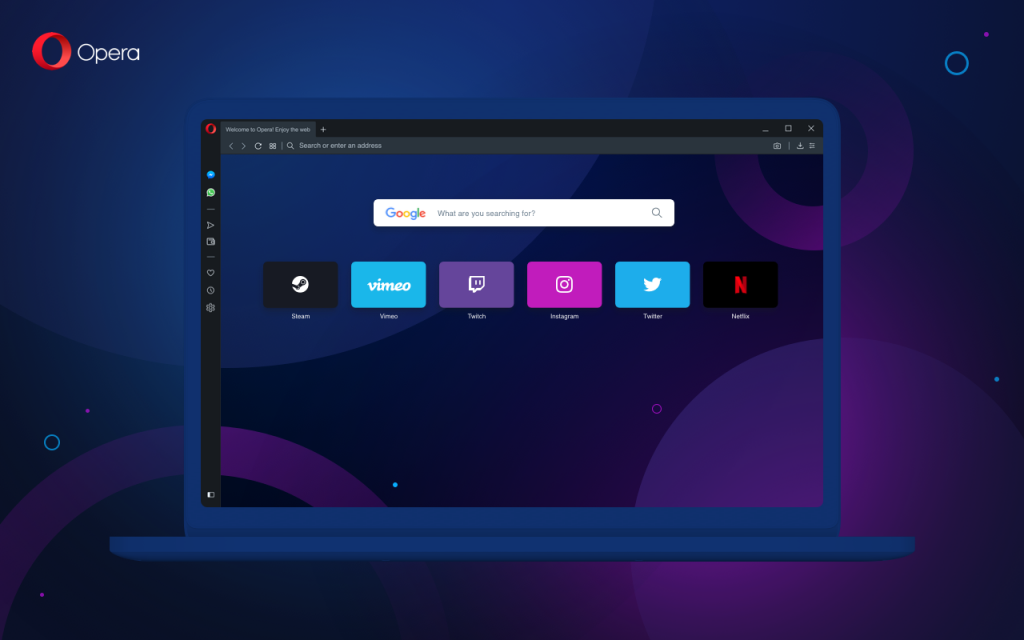
The newest Opera browser for Mac, Windows and Linux now includes a Crypto Wallet, Web 3 explorer and a free VPN. It is designed to give people a sense of control over their online lives and a glimpse into the Web of the future. Oslo – A typical person spends more than six hours each […]
HTC’S EXODUS 1 Expands Privacy and Security for Worldwide UsersHTC’S EXODUS 1 Expands Privacy & Security for Worldwide Users The EXODUS 1 challenges big data business models of large tech companies New partnership with Opera Browser protects identity and privacy while browsing on the HTC EXODUS 1 Following validation from the crypto community, the HTC […]

Opera Touch now allows people to block annoying cookie dialogs on websites. The cookie dialog blocker, a feature previously released in Opera’s Android browser, allows iPhone and iPad users to have a neater browsing experience. Oslo – The cookie dialog blocker is a feature that no one knows they want until they try it. It […]